
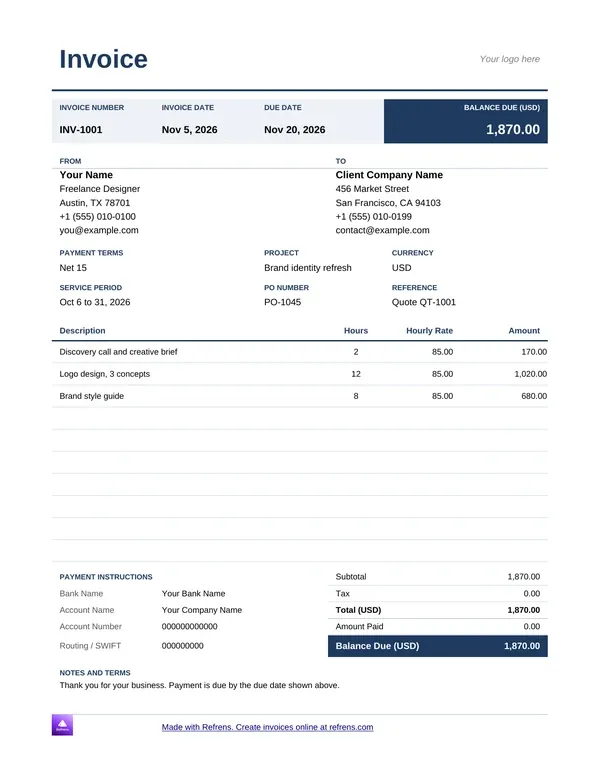
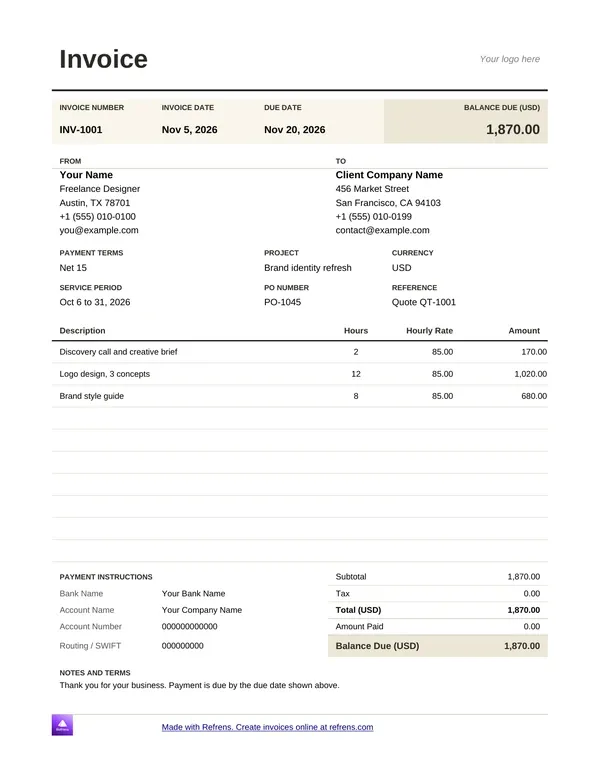
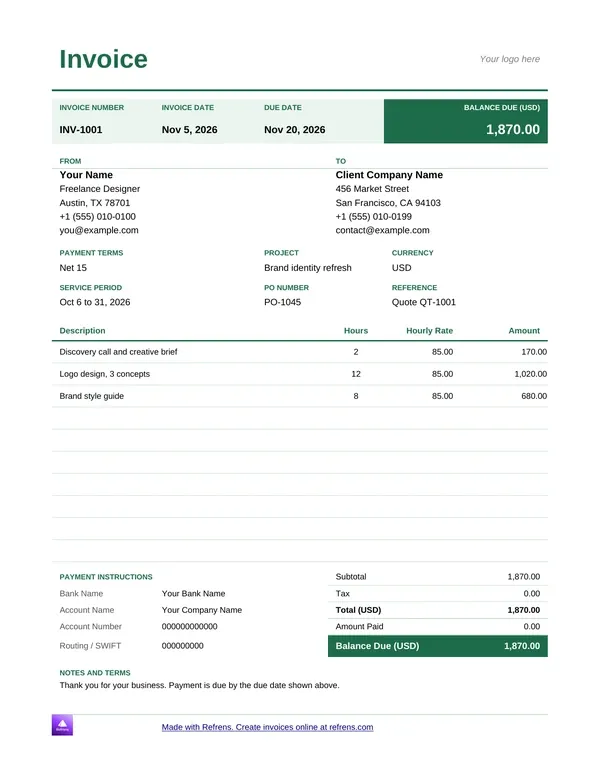
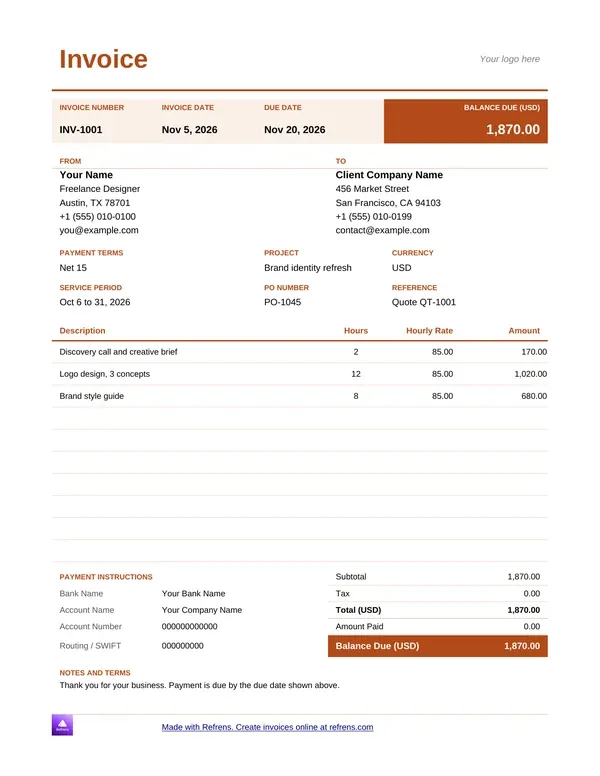
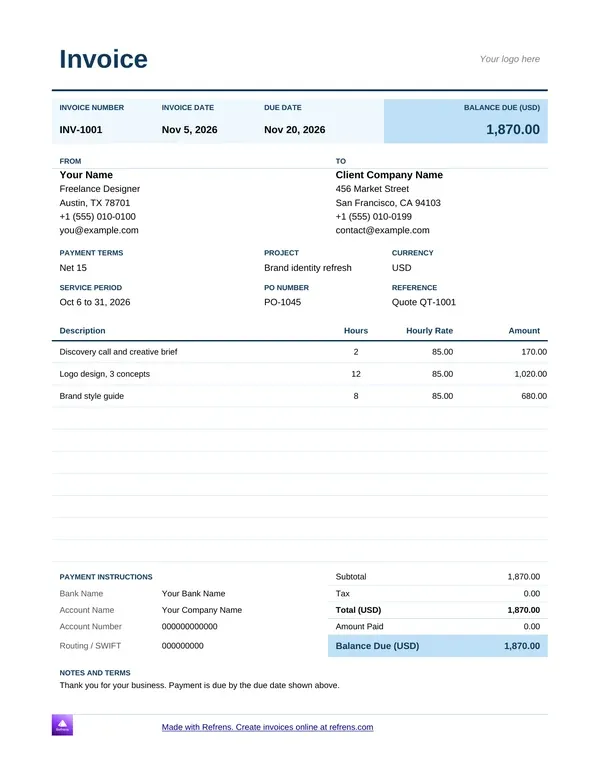
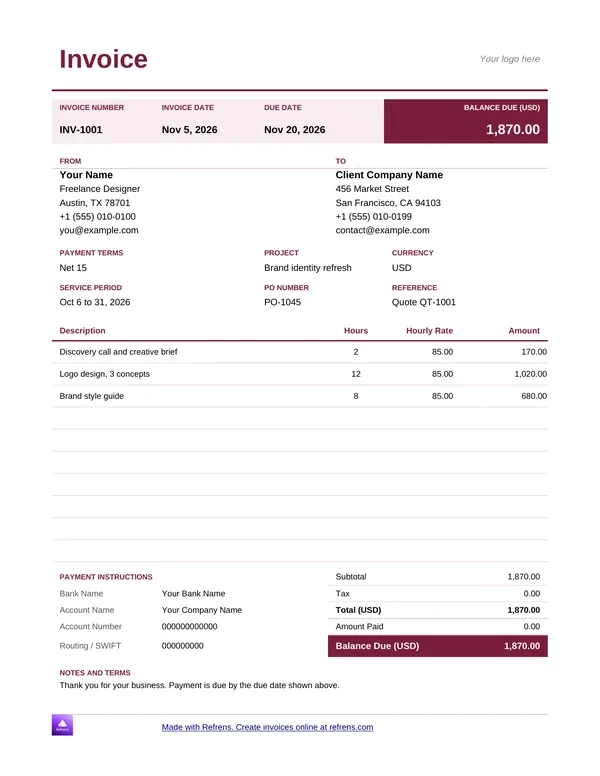
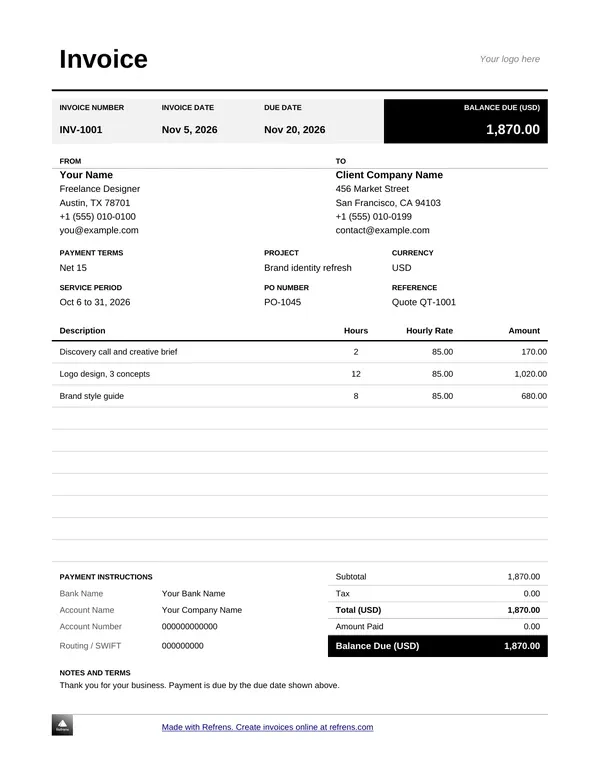
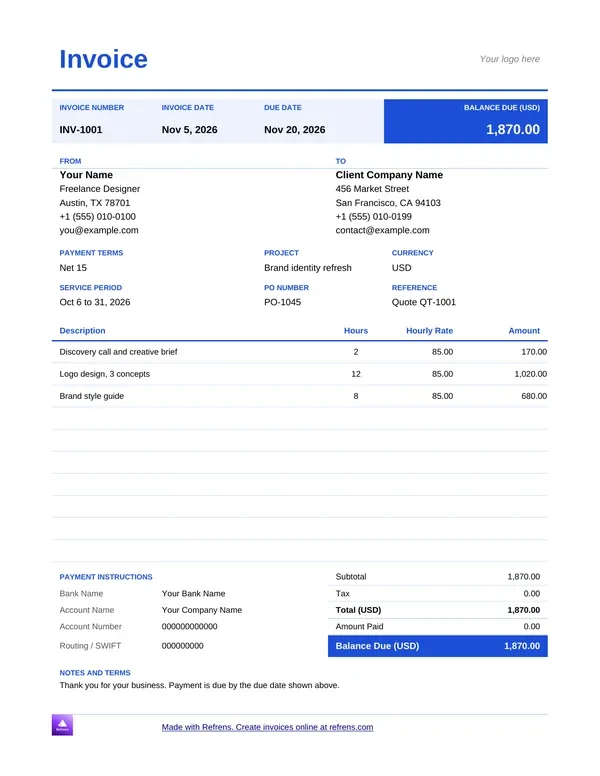
A freelancer emails "Invoice attached." The client replies: "Where do I pay, and by when?" Another week goes by.
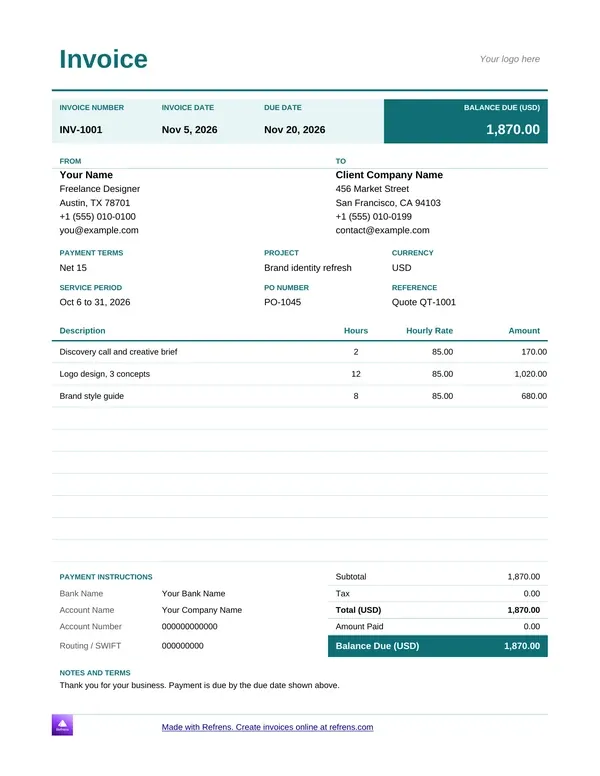
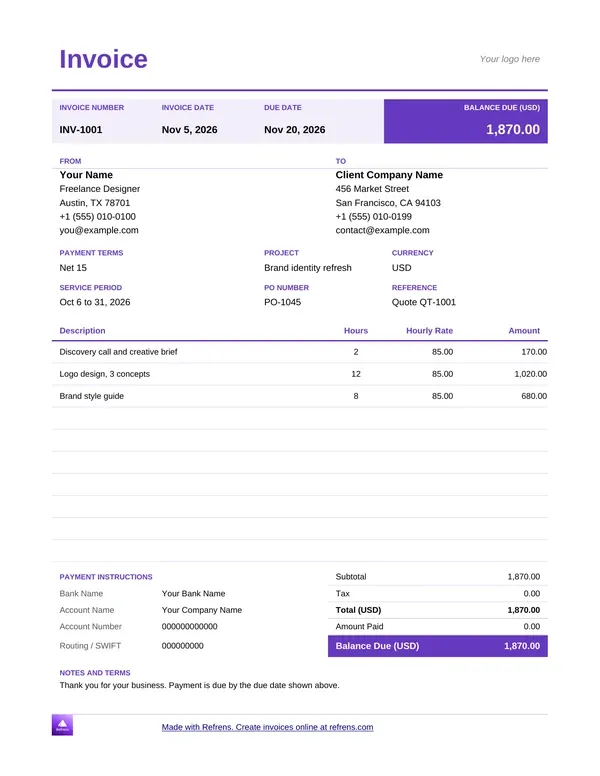
This page gives you a free freelance invoice template in Word and Excel, plus an online form for a PDF. You also get the freelance invoice format, a sample with a deposit and extra hours, and tips to get paid on time.
A freelance invoice template is a ready invoice layout with room for your project, your fees and your payment details. You fill in the job, check the total and send it.
Freelancers, contractors and self-employed people all use the same layout. You may see it called a freelancer invoice template, a self employed invoice template, a freelance billing invoice template or an invoice for freelance work. Many people search for freelancer invoices in general, and a free freelancer invoice template covers them all. A simple freelance invoice holds the same fields as a long one. It just uses fewer lines.
A freelance client often has no accounts team and no contract on file. Your invoice is then the one document that says what you did, what it costs and how to pay. Write it that way.
Refrens gives you three routes. Pick by how you work.
The Word and Excel files download at once, with no signup and no email. They carry a small Refrens branding at the bottom of the page, and you can remove it. The PDF comes from the online form on this page, which needs a free account. If 15 documents are not enough to judge the product, a Refrens sales person or account manager can extend your trial, so you can decide before you upgrade.
Pick Excel when the invoice lists many items. A freelancer invoice template Excel file and a freelance invoice template PDF both start from the same fields. Use a free freelance invoice template in three steps:
A good freelance invoice format answers the client's questions before they ask. Use these fields.
An invoice template with tax fields for freelancers needs one labeled tax line with the rate and the amount. Tax rules and required invoice fields differ by country. This page gives general guidance. It is not legal or tax advice.
A freelance invoice names the scope it bills, the exact due date and the payment method, so the client can pay without writing back.
This freelance invoice example bills a fixed-fee project with extra hours. Copy it as a freelance invoice sample or an invoice sample for freelance work. The client is in another country, so the invoice uses the currency you agreed. The freelancer and every number below are illustrative.
Currency: USD. Due: April 15. Pay by bank transfer to the account below. Late payments add a fee, as stated in the terms. Tax is not shown, because rules differ by country.
Read the sample from the top. The project line points to the agreed scope. The extra hours sit on their own line and name the change request. The deposit appears as a deduction. The balance, the date and the payment method are all visible.
A freelance invoice should repeat the agreement in short form. Five lines do the work.
Keep a work log behind any line the client might question. Send it when they ask.
Most late freelance invoices fail for a simple reason: the client did not know the date or the method. Fix those two first.
Then add terms you will enforce. Pick a late fee rate that the rules where you work allow, and write it on the invoice. Send a reminder three days before the due date, another on the day and a third after it. Keep each message short and include the invoice number.
A friendly reminder on day one gets paid faster than a stern one on day thirty.
Many freelancers bill clients abroad. Three details keep those invoices clean.
Tax names and rules differ by country. A client in one country may need a tax number on your invoice, while another may not. Ask your accountant what your clients' countries expect.
A quick job needs a short bill: one line per item and one total. This freelance bill format example is illustrative.
Add a note with the payment method and the due date. This is the freelancer bill format in its smallest form. A freelance bill template or a freelance billing template follows the same shape.
Some trades have lines a general template lacks. Open the template for your field.
A template gives you the page. A client who pays every month needs that page again, and a file makes you retype the details each time. With Refrens:
Refrens has no timesheets. Keep your hours in your own log and enter the total as the quantity.
The template alone is enough for a few clients. Once you rebuild the same invoice every month, switch to invoicing software for freelancers. Send your price with quotation software for freelancers, and convert the accepted quote into the first invoice. The free plan covers 15 documents a year, so you can try the flow first. The pricing page shows which plan includes which feature.
Scroll up, pick a freelance invoice template in Word or Excel and download it free. Want a PDF instead? Fill in the form on this page and download it with a free account. More than 150K businesses across 170+ countries send quotations and invoices with Refrens.
A freelance invoice should include your details, the client's details, a unique invoice number, the project or scope, the line items, the total, the currency, an exact due date, your payment method and any late fee terms. The freelance invoice format above lists every field.
Write an exact date, such as April 15, instead of "net 30." State the late fee rate and the day it starts on the invoice itself. Choose a rate that the rules where you work allow.
Yes, if your agreement allows it. A deposit covers early work and confirms the client is serious. Show it as a deduction line on the final invoice, so the balance due is clear.
Write the currency code next to the total, such as USD or GBP. Agree in advance who pays transfer fees. If you convert between currencies, show the exchange rate and the date you used.
A freelance bill format is a short invoice for a quick job: one line per item and one total, with the payment method and the due date. Searchers use "bill" and "invoice" for the same document.
Word suits invoices with a scope note and terms. Excel suits long lists of hours or items. Both download free with no signup. Pick the one you edit faster.
Yes. Fill in the online form on this page and download the PDF with a free account. The free plan covers 15 documents a year across all document types. The Word and Excel templates need no account, and you can save either one as a PDF.
About Refrens. Refrens is invoicing and quotation software for small businesses, freelancers and service businesses. Create invoices, send quotations and collect payments in one place.